 YIO Technologies
THE KEY IDEA
Start with the question you want to answer. Then choose the display, the way people will interact and the information the assistant needs.
What an assistant adds to a digital display
The screen introduces the brand; the assistant lets people explore what matters to them. It can explain a service, answer questions using approved content or help someone find a product. The experience connects a physical space with digital information shaped around the visitor’s question.
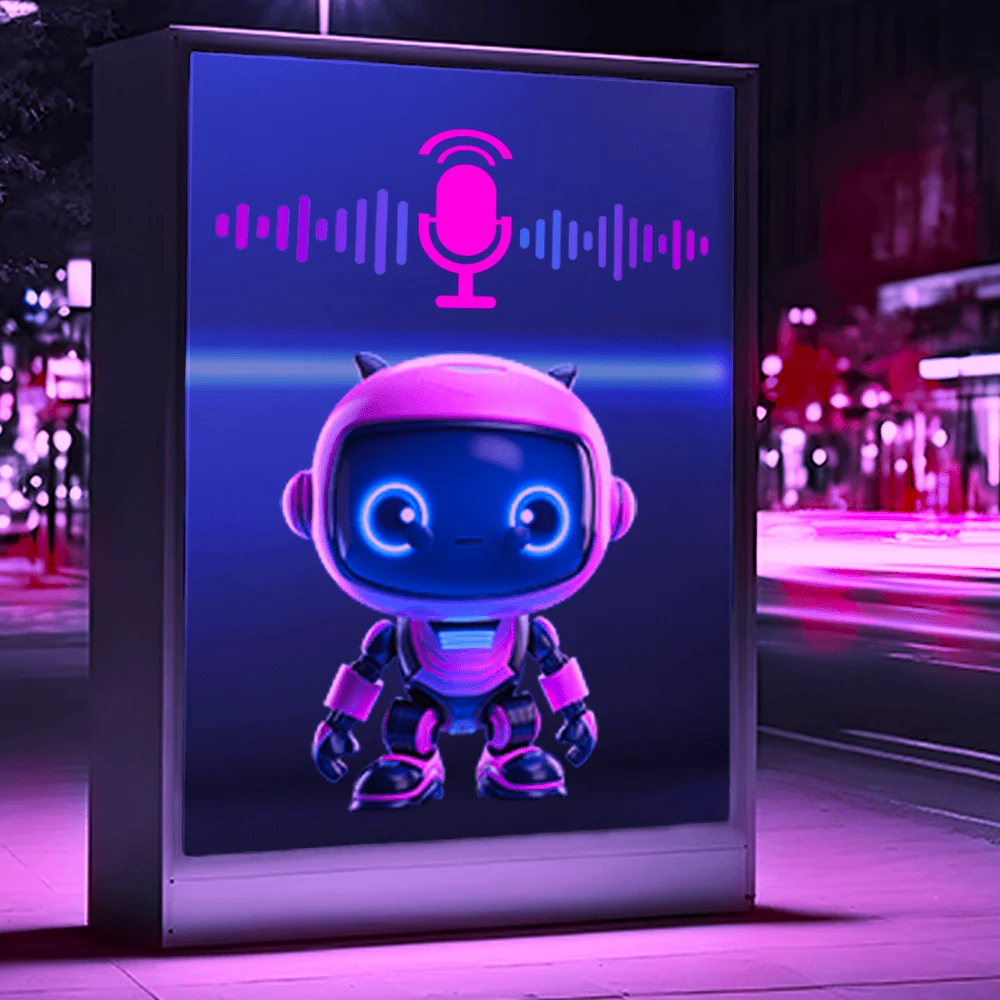
At YIO, these experiences can use chat, voice or digital characters, depending on the project. A display might sit in a shop, reception area, museum or event venue. Its location and the time people have to interact both influence the design.
Voice, text and an interface people understand
A short invitation, a visible character and suggested questions make it easier to begin. If voice is involved, test how well people can hear and be understood in that space. Text and touch controls can offer an alternative for those who prefer not to speak.
The character should support the answer and make it easier to understand. A product card, a direction or a clear next step is often more useful than a screen full of options.
Useful information at each touchpoint
Decide which questions the assistant will handle and who will keep its answers up to date. Opening hours, services, locations and product details can be organised in a knowledge base. Prices, availability and bookings need an agreed way to retrieve data from the relevant system.
Information collected during an interaction should serve a specific purpose. Depending on the project’s configuration and measurement permissions, you can review common questions, completed journeys and usability problems.
What to plan before installation
Review the location, screen size and height, connectivity and access for maintenance. Test contrast, text and controls in realistic lighting and operating conditions. Outdoor equipment and installation must suit the environment.
A pilot helps you see whether people understand the experience and find what they need. Use the findings to refine content, opening questions and the route to help from staff.
Frequently asked questions
Does an intelligent street display need a touchscreen?
It depends on the experience. People might use voice, touch controls or a link on their phone. The right combination depends on the display, its surroundings and its audience.
Can it check products or availability?
Yes, when connected to a suitable data source. The integration and update process need to be defined; showing an animation on a screen is not enough.
Content first published on . Reviewed and adapted for the blog on 14 November 2026.